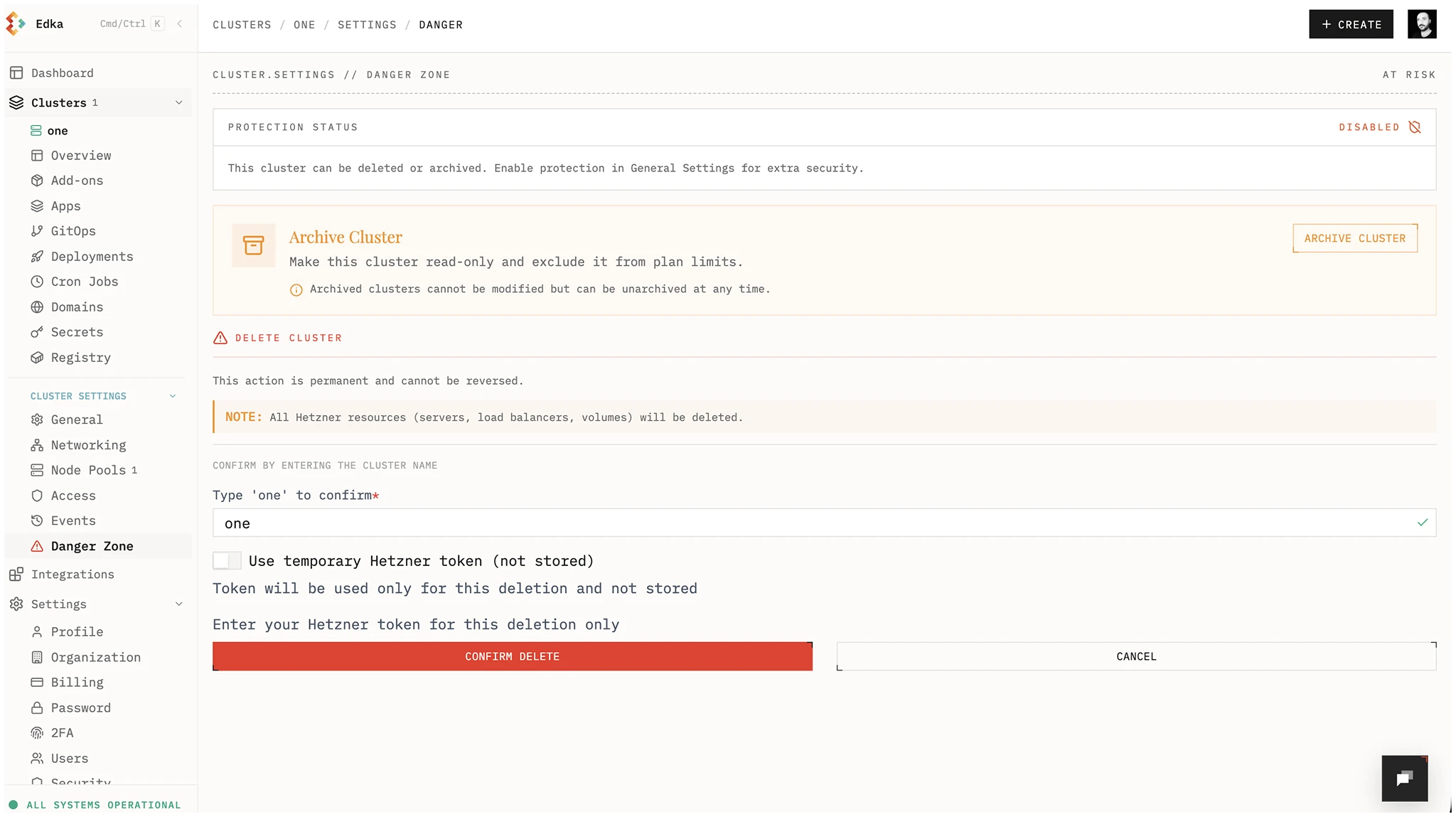
Delete a Kubernetes Cluster
Deleting a cluster will remove all resources associated with it and cannot be undone.
Important: Before deleting a cluster, make sure you have a backup of your critical data. Some add-ons can leave some leftovers in the cluster, so make sure you inspect your Hetzner Cloud projectaccount after deletion.
We recommend to uninstall the following add-ons before deleting a cluster:
- Nginx Ingress Controller (to remove the associated load balancer)
- Any provisioned database (to remove the associated provisioned volumes)
Only the cluster owner and organization owners/admins can disable protection and delete a cluster. A developer with cluster write access who is not the cluster owner cannot perform these actions.
To delete a cluster, go to the cluster settings, disable cluster protection from Settings > General, then open Settings > Danger Zone and click Delete Cluster. Insert the name of the cluster to confirm the deletion.