

Kubernetes Cron Jobs
Cron Jobs let you run recurring batch workloads in your cluster, such as backups, data sync jobs, report generation, and cleanup tasks.
Create a Cron Job
Section titled “Create a Cron Job”- Open your cluster and go to Cron Jobs.
- Select Create CronJob.
- Complete the tabs:
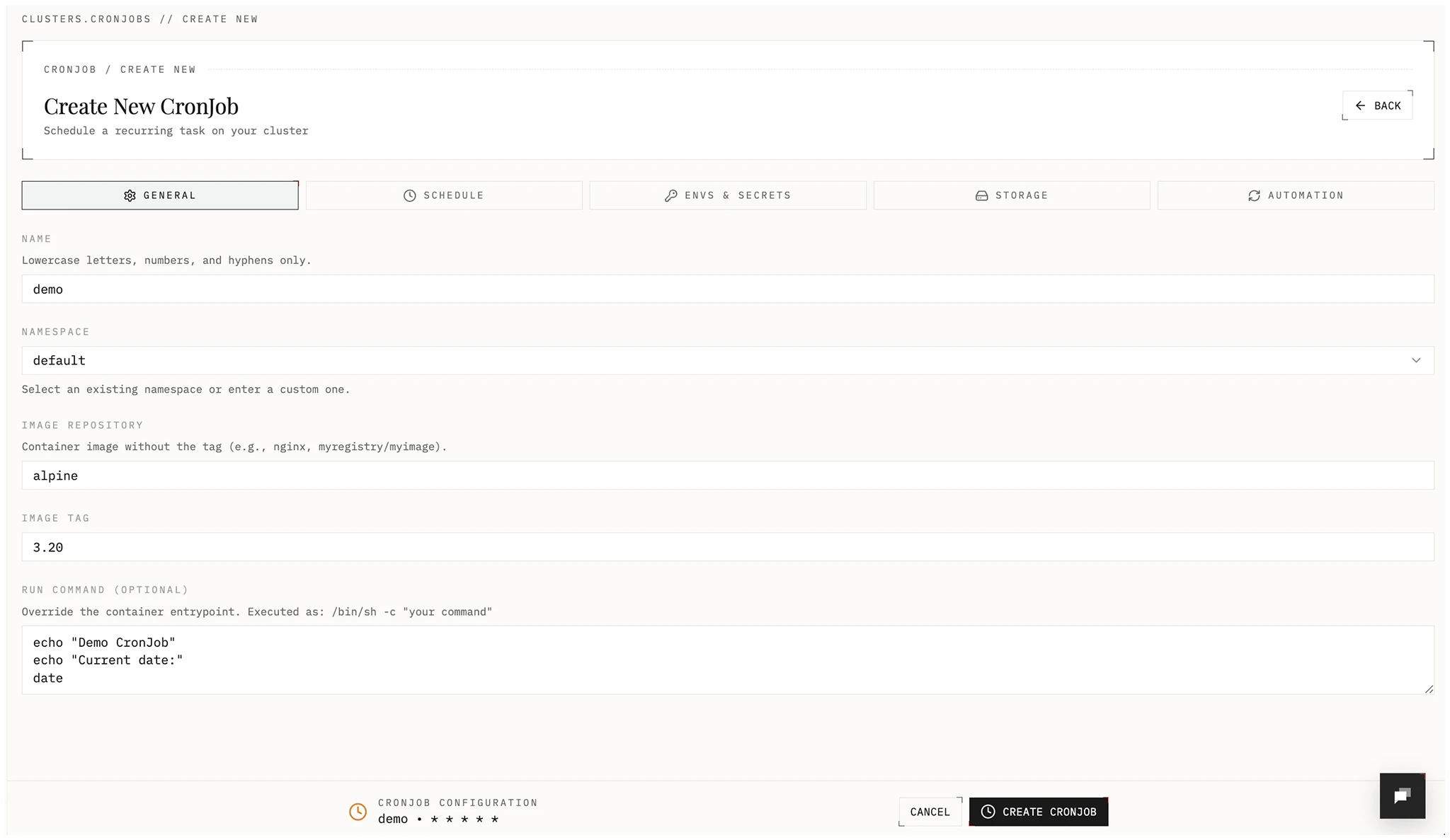
- General: name, namespace, image repository/tag, optional run command.
- Schedule: cron expression, concurrency policy, retries, history limits. Optional: suspend future runs. This creates a CronJob resource in your cluster and allows you to trigger manual runs.
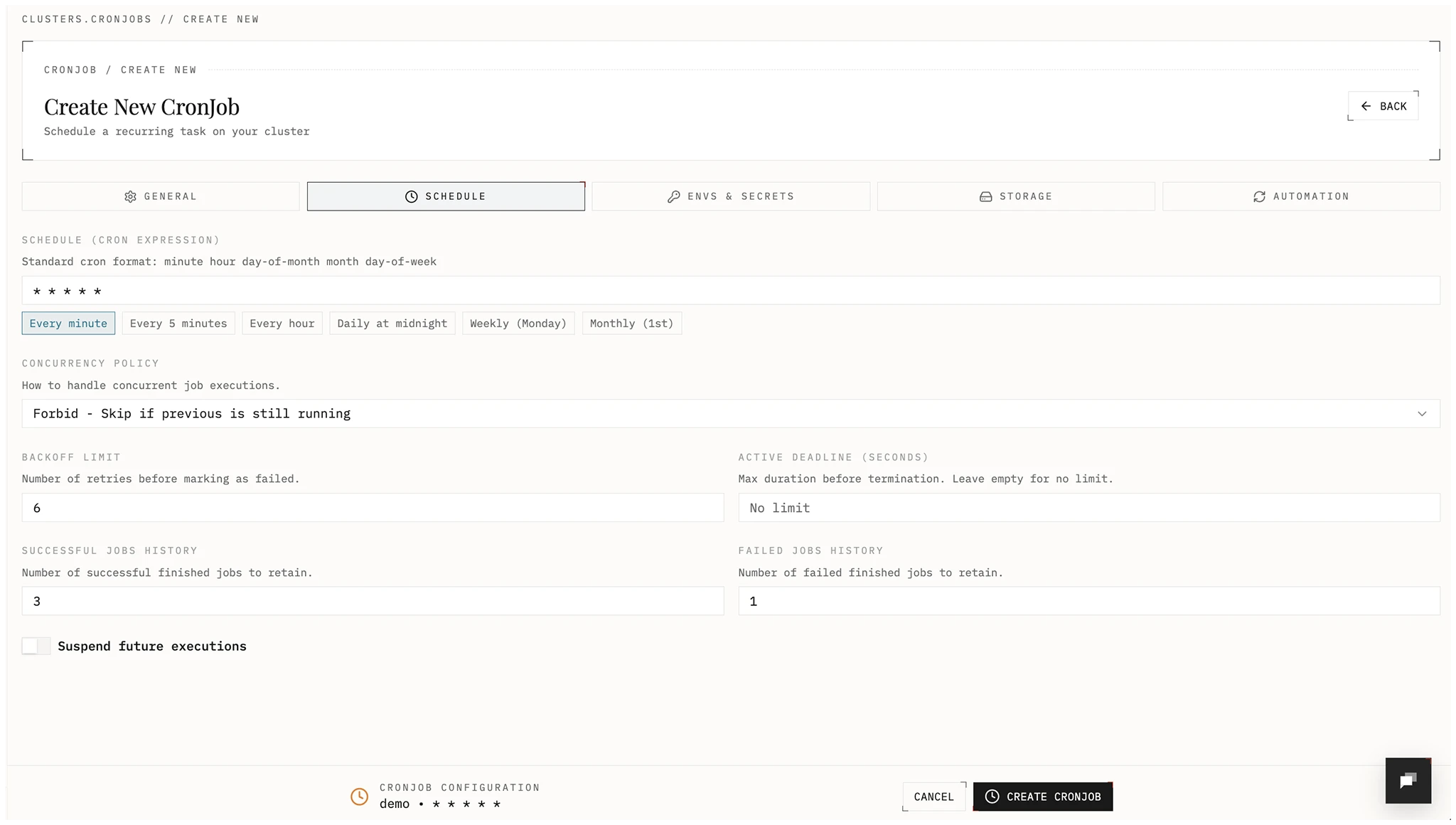
- Envs and Secrets: environment variables and Kubernetes secrets.
- Storage: optional persistent volumes or EmptyDirs.
- Automation: optional image auto-update policy and frequency.
- Save to deploy the Cron Job.
Scheduling options
Section titled “Scheduling options”- Cron expression: standard 5-field format (
minute hour day-of-month month day-of-week). - Concurrency policy:
Forbid: skip a run if the previous run is still active.Allow: run jobs concurrently.Replace: stop the running job and start a new one.
- Backoff limit: retry count before a run is marked failed.
- Active deadline: max runtime in seconds before termination.
- History limits: number of successful and failed jobs to keep.
Examples:
- Every 5 minutes:
*/5 * * * * - Every hour:
0 * * * * - Daily at midnight:
0 0 * * *
Environment variables and secrets
Section titled “Environment variables and secrets”Add configuration and sensitive values.
- Environment variables: Non-sensitive key-value pairs.
- Secrets: Stored as Kubernetes Secrets in your cluster and exposed to the Cron Job as env vars. Values are write only in Edka; update by submitting a new value.
Edka allows importing values from .env, JSON, or YAML, or add them individually. Edka will validate and assigns them as environment variables or secrets.
Secrets from the cluster adds Secrets that already exist in the cron job’s namespace, on the Envs & Secrets tab. The list is the same as for deployments: Secrets entered on the cluster’s Secrets page, secrets synced from an external secret manager, and Secrets created another way. Use it for values the cron job shares with a deployment.
- Every key of a selected Secret becomes an environment variable.
- A variable or secret entered on the cron job wins over a key with the same name.
- Each run reads the Secrets when its pod starts, so a change applies from the next run.
Automation
Section titled “Automation”Use a new image for the next runs when a newer version is published. In the Automation tab, turn on Enable automatic image updates and select:
- Version Policy: Minor versions, Patch only, Major versions, All updates, Current tag, or Custom pattern.
- Check Frequency: how often the registry is checked, from Every minute to Every 24 hours.
- Require approval: a new version waits until someone applies or skips it.
An update changes the image of the CronJob. Runs that have started keep the image they started with.
For the policies, approval, and troubleshooting, see Automatic image updates.
Day-2 operations
Section titled “Day-2 operations”From the Cron Job list and detail views, you can:
- Use Discover on the Cron Jobs list to adopt existing Kubernetes CronJobs already running in the cluster into the Edka view.
- Suspend and resume future executions.
- Trigger an immediate manual run.
- Update image, schedule, env vars, secrets, and storage config.
- Delete the Cron Job.
Runs and logs
Section titled “Runs and logs”Each Cron Job includes:
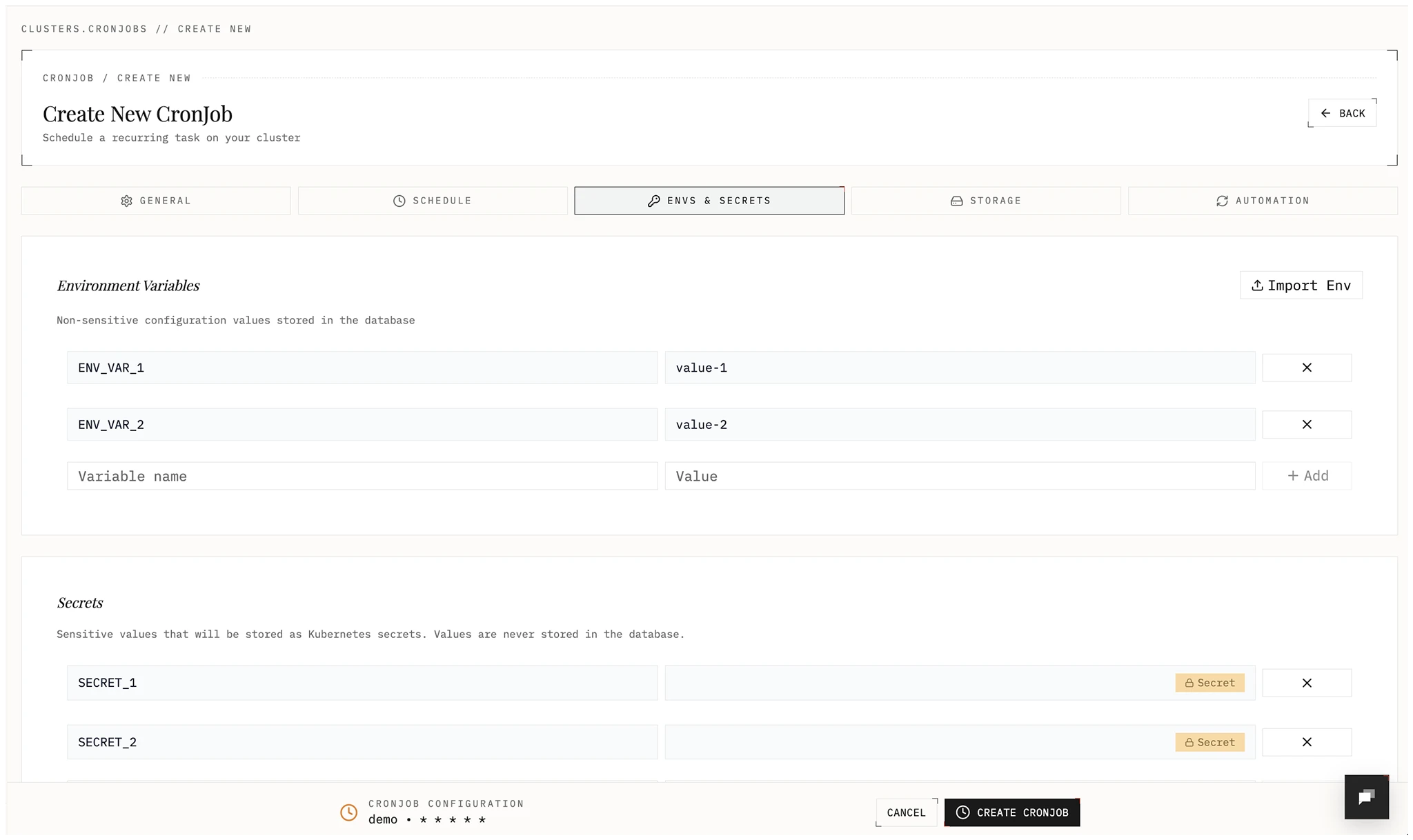
- Job history: recent Kubernetes job runs with status and timestamps.
- Logs: select run/pod, view previous container logs in case of a failure, and copy or download the output.
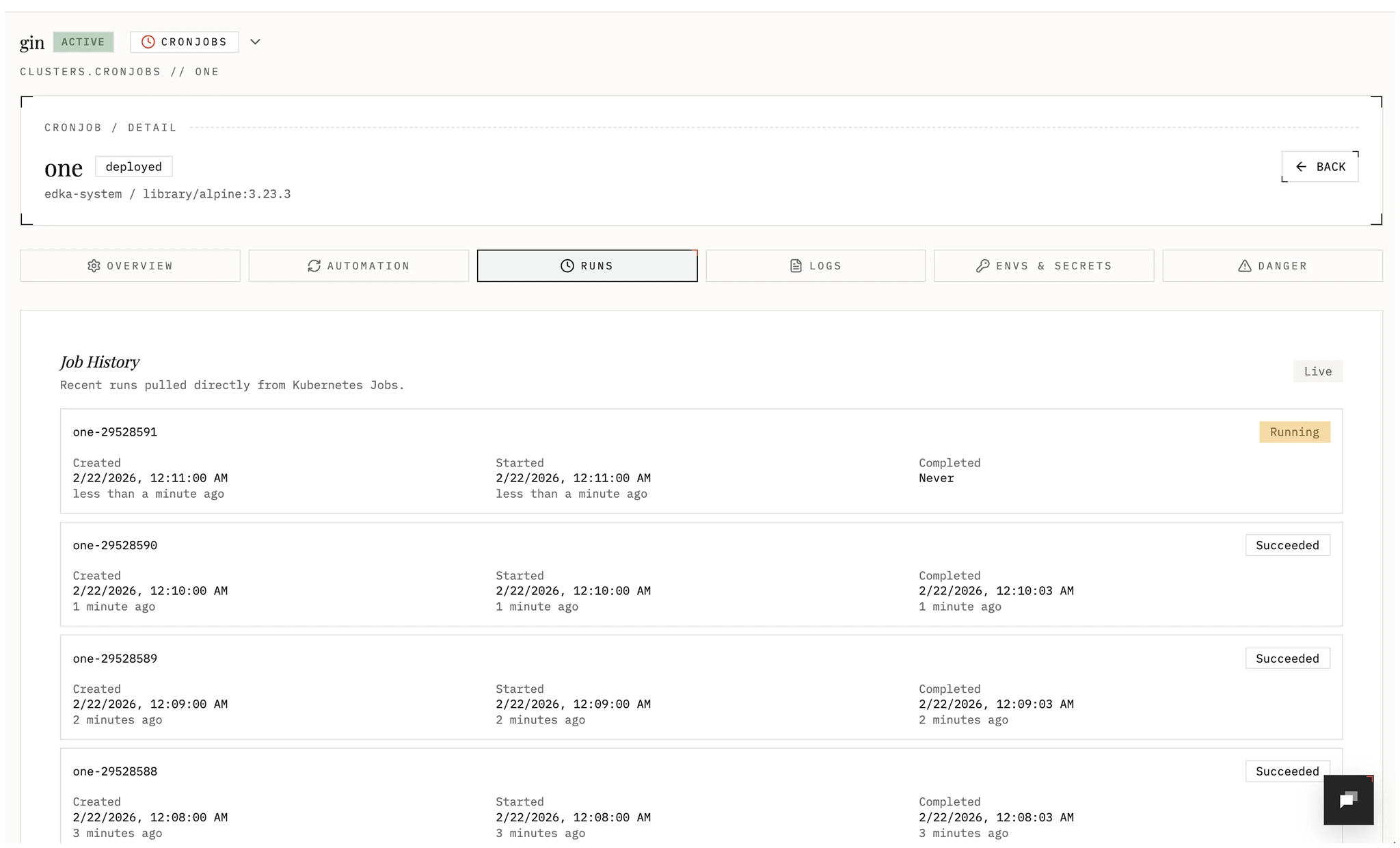
Image automation and rollback
Section titled “Image automation and rollback”Cron Jobs support image lifecycle controls:
- Version History lists image changes: manual updates, automatic updates, and approved updates with the user who approved them.
- Restore rolls back to a previous image tag and turns automatic updates off.
- Update Status shows the state of the last check, the update that waits for approval, and Check now.