Delete a Kubernetes Cluster
Deleting a cluster will remove all resources associated with it and cannot be undone.
Important: Before deleting a cluster, make sure you have a backup of your critical data and verify that the backup set is visible in Backups.
Some add-ons and provider resources can leave leftovers behind, so inspect your Hetzner Cloud project after deletion.
We recommend to uninstall the following add-ons before deleting a cluster:
- Gateway API / ingress controllers (to remove associated load balancers)
- Any provisioned database (to remove the associated provisioned volumes)
Only the cluster owner and organization owners/admins can disable protection and delete a cluster. A developer with cluster write access who is not the cluster owner cannot perform these actions.
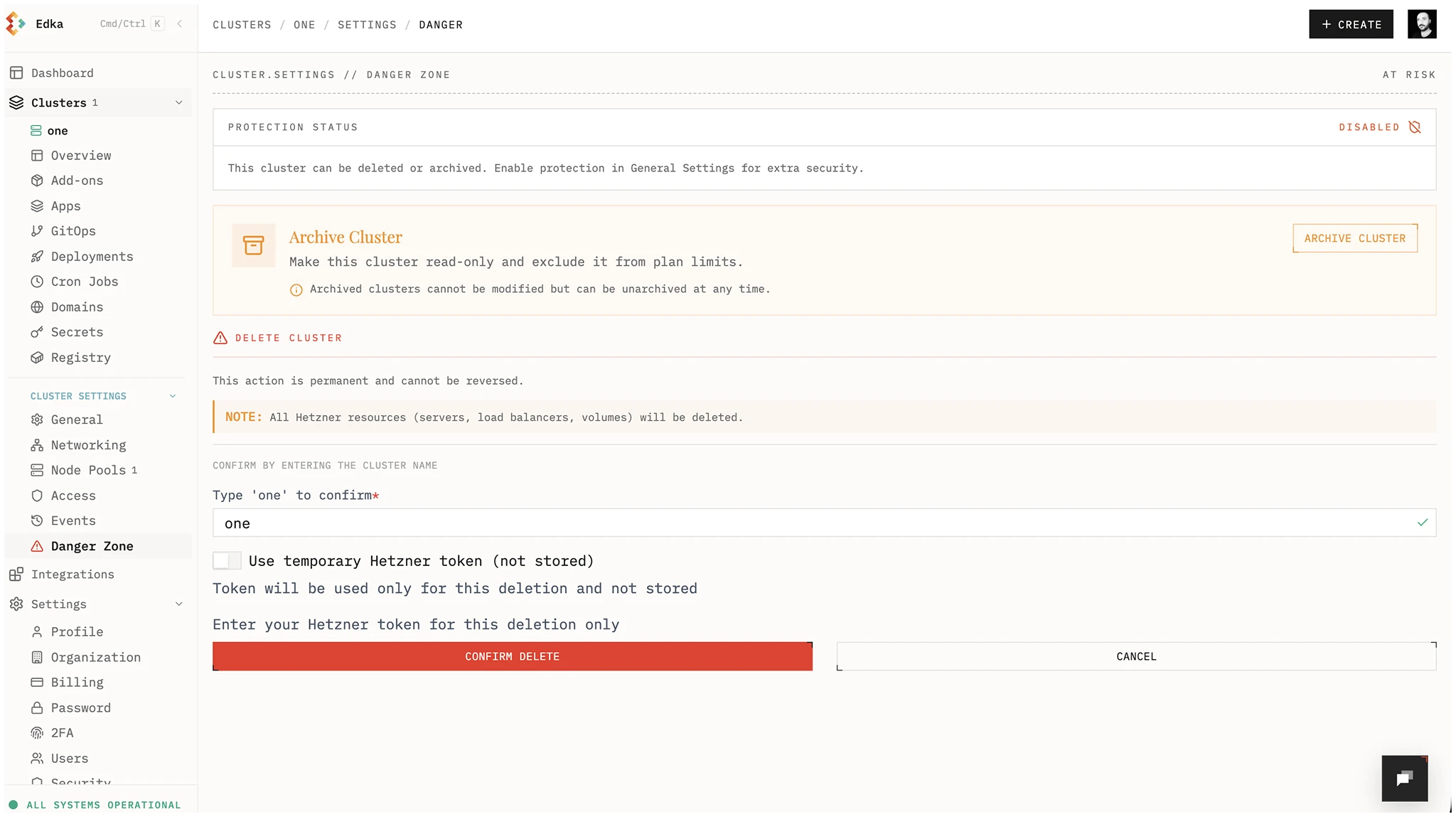
To delete a cluster, go to the cluster settings, disable cluster protection from Settings > General, then open Settings > Danger Zone and click Delete Cluster. Insert the name of the cluster to confirm the deletion.
If you later need to recover the deleted cluster, open the backup catalog and use Recover deleted cluster. This restore path uses the original cluster name. If provider volumes or load balancers were left behind in Hetzner, the recovered cluster can reuse them; otherwise recovery is limited to Kubernetes and etcd state from the backup set.
Satellite clusters
Section titled “Satellite clusters”Deleting a satellite cluster removes it from
Edka only. Nothing is uninstalled from your server: K3s and your workloads
keep running until you remove them yourself with
/usr/local/bin/k3s-uninstall.sh.