

Updating a Kubernetes Cluster
After you create a cluster, you can adjust several settings.
Upgrade Kubernetes version
Section titled “Upgrade Kubernetes version”Important: Back up your cluster before upgrading and verify the latest backup set is visible in the backup catalog.
Review the Kubernetes release notes and verify your custom resources are compatible with the target version.
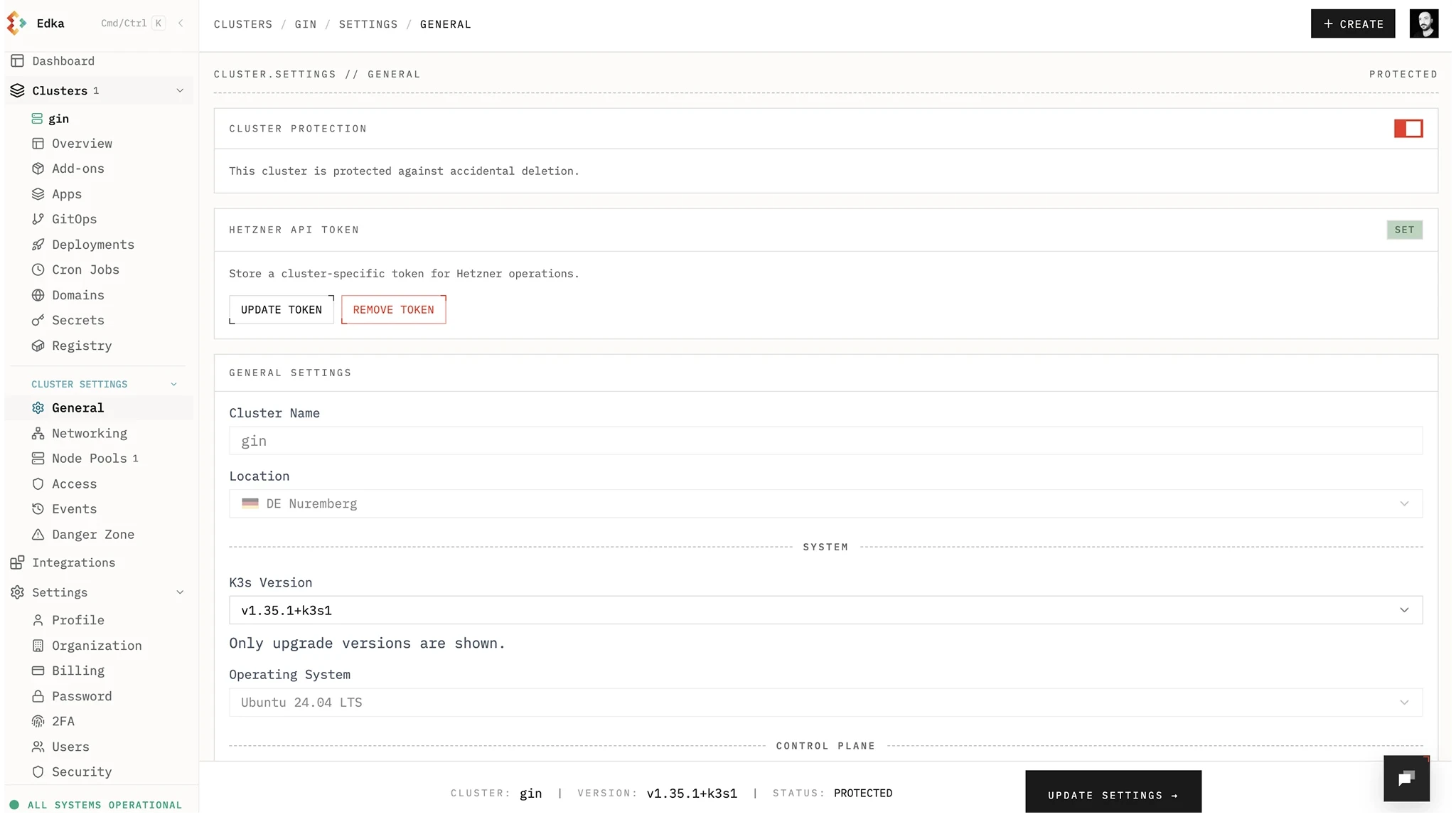
High Availability Control Plane
Section titled “High Availability Control Plane”You can switch the control plane to a highly available setup (3 nodes). After enabling HA, you cannot revert to a single node control plane.
Networking
Section titled “Networking”Broad networking changes on existing clusters are risky. Edka supports only specific scoped changes after creation.
- CNI and CNI encryption: Fixed when the cluster is created. To use a different CNI or turn encryption on or off, create a new cluster.
- Host Firewall / Allowed Networks: You can update SSH Allowed Networks, API Allowed Networks, and toggle the Cilium Host Firewall after creation from Cluster Settings > Networking. Edka reconciles the firewall and networking rules in place. The Host Firewall needs Cilium with CNI encryption, so it is available on clusters created with both. Host Firewall cannot be combined with a managed NAT Gateway.
- NAT Gateway: You can enable NAT Gateway on an active private-network cluster from Cluster Settings > NAT Gateway. Edka performs a scoped reconfigure for NAT routes, gateway members, and managed metrics scraping without changing the control plane reachability model. See NAT Gateway for requirements and operations.
Node Pools
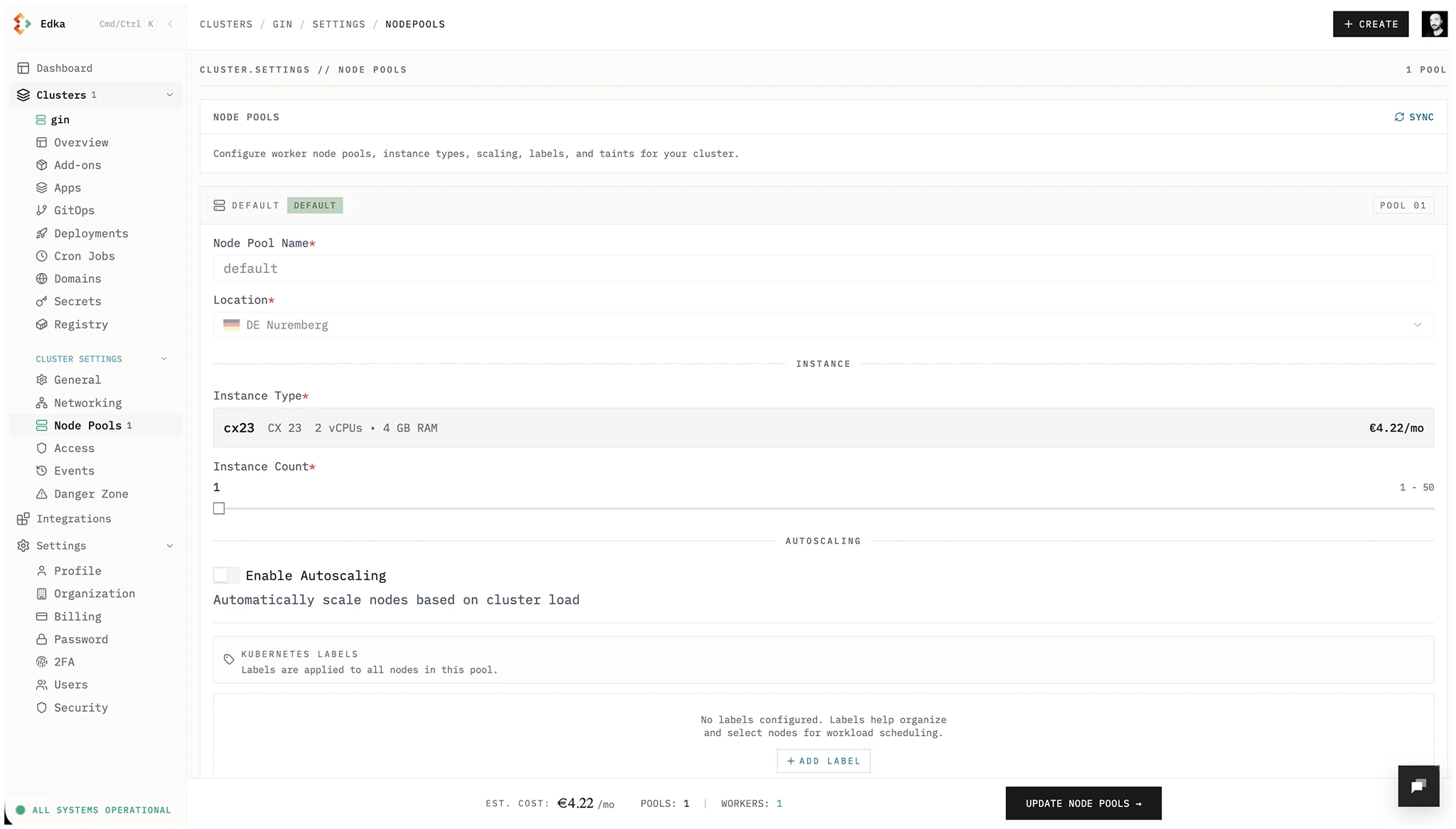
Section titled “Node Pools”You can increase or decrease the number of nodes in a pool and enable autoscaling. After enabling autoscaling for a node pool, it cannot be disabled. Create a new autoscaled pool instead of enabling it on the default pool, since the default pool cannot be deleted.
You can also add Hetzner Metal pools to attach your own dedicated servers as worker nodes over a vSwitch. Existing clusters whose Hetzner Cloud subnet spans the full private range, such as a /16, cannot attach Metal pools because the required vSwitch /24 would overlap it. See Metal (Dedicated) Node Pools.
To add Hetzner Cloud servers you already have, add a pool of Existing servers. Edka never deletes these servers. See Pools of Existing Servers.
etcd backups and restore
Section titled “etcd backups and restore”Cluster Settings → Backups lets you:
- enable scheduled etcd backups on an existing cluster
- change the backup schedule
- run a backup immediately on Standard / Pro
- rotate the cluster’s backup key
- open Backups, filtered to this cluster
Browsing backup sets, rolling back, recovering a deleted cluster, and restoring as a new cluster all happen in Backups. See Cluster Backups and Restore.
When you enable backups on an existing cluster, Edka reconciles the first control plane node in place to apply the updated snapshot configuration and refresh the upload agent. This does not restore or roll back the cluster.
Run backup now is an in-place backup operation on the current first control plane node. It requires backups to already be enabled and does not reprovision nodes or replay a snapshot into the cluster.
Uploaded backup-set retention follows the active plan:
- Free: 7 days
- Standard: 30 days
- Pro: 90 days
Use Roll back when the source cluster still exists, especially for stateful recovery. Use Recover deleted cluster after the source cluster has been removed from Edka and you want to recreate it with the same name. Use Restore as new cluster when you want a separate cluster and do not want to take over the source cluster’s provider volumes or load balancers.
Node OS updates
Section titled “Node OS updates”Cluster Settings → Maintenance sets whether nodes install security updates every day, whether reboots run on their own in a maintenance window or only when you click Update OS, and the window itself. See Node OS Updates.
Access, Events, and Secrets
Section titled “Access, Events, and Secrets”For day-2 operations, use dedicated cluster tabs:
- Access & Security: manage personal kubeconfig, team credential access (admin), rotation, revocation, and SSH key access.
- Observability: explore PromQL metrics, search retained logs, inspect diagnostics, and manage VictoriaMetrics or VictoriaLogs.
- Databases: provision and operate dedicated PostgreSQL, MySQL, Valkey, and ClickHouse runtimes with inventory, logs, insights, restore, and settings.
- Events: inspect live and historical operation telemetry for provisioning, updates, and deletions.
- Secrets Management: create, update, and delete Edka-managed Kubernetes secrets with namespace filtering and metadata-only reads.
- Cluster Backups and Restore: scheduled etcd backups, encryption, rollback, deleted-cluster recovery, and restore-as-new workflows.